Safe cleanup demonstrated
Safe cleanup fixture
A closed tetrahedron with one duplicate and one zero-area triangle. The safe pass removes only those two faces.
Safe output was serialized, parsed again, and rechecked before this report was generated.
Check an STL locally, apply conservative low-risk fixes, verify the exact output, and download the repaired file before final slicer validation.
Free browser STL checker
Drop an STL file to check open boundaries, non-manifold edges, normal mismatches, duplicate faces, and degenerate triangles. Safe fixes and verified downloads run locally in your browser.
Anonymous local workflow: up to 10 MiB and 100,000 triangles. Your STL is not uploaded.
Reproducible fixtures
Every count, score, and JSON report below is generated by the browser-local engine from a downloadable fixture. They are test cases, not customer models or printability guarantees.
Safe cleanup demonstrated
A closed tetrahedron with one duplicate and one zero-area triangle. The safe pass removes only those two faces.
Safe output was serialized, parsed again, and rechecked before this report was generated.
Manual topology review required
Three faces share one edge. The report records that topology risk; it does not infer a replacement surface.
This report records the finding. It does not claim to repair topology or choose units.
Unitless measurement demonstrated
A clean, closed tetrahedron with a 28 × 28 × 3.2 coordinate bounding box. STL itself does not say whether those values are mm or inches.
This report records the finding. It does not claim to repair topology or choose units.
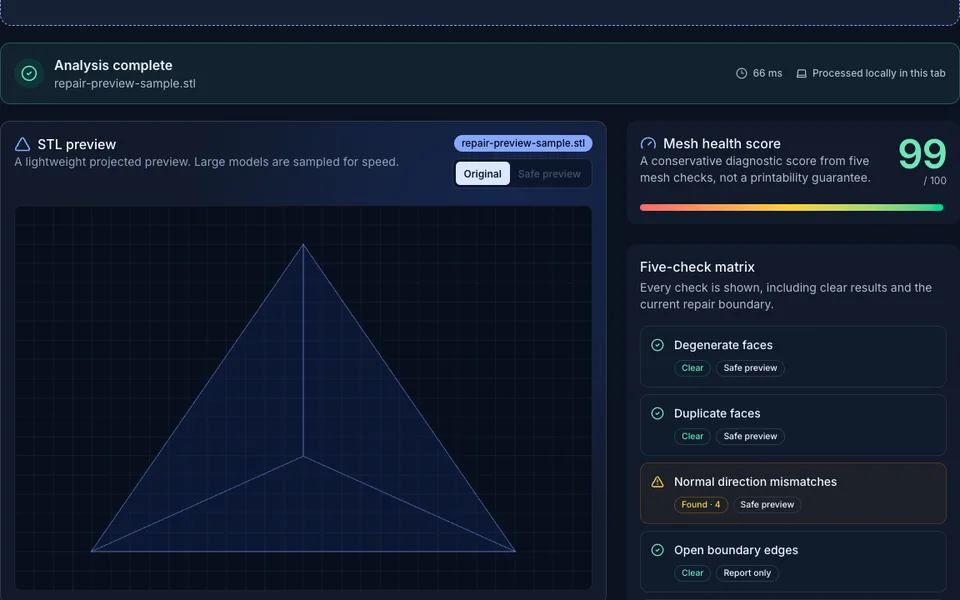
Diagnostic preview
The workbench keeps the mesh view, health score, and five issue families together so you can decide what needs attention before slicing.
Three simple steps
No CAD install and no production file upload are required for the public browser check.
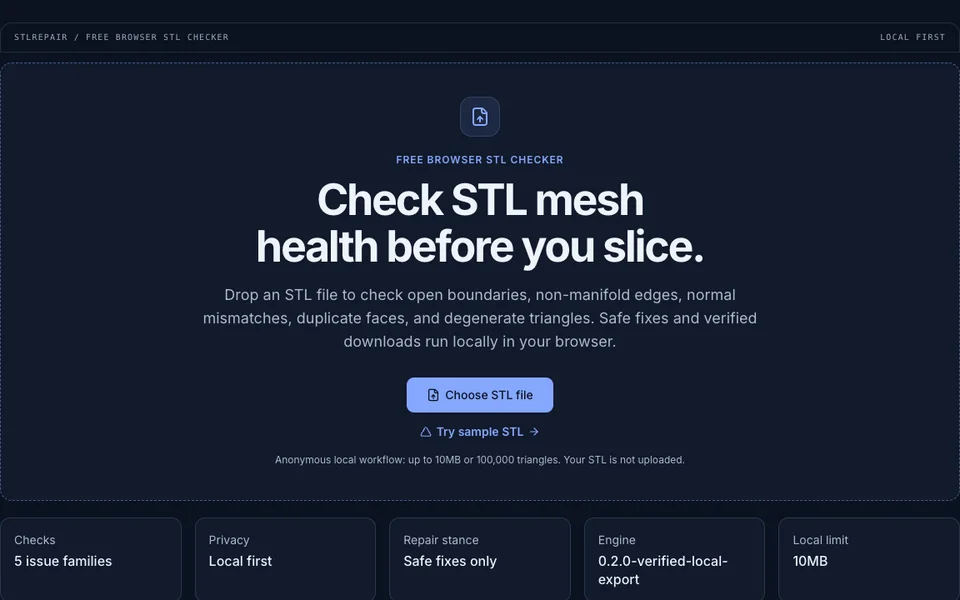
Drop a binary or ASCII STL into the checker. The public limit is 10 MiB and 100,000 triangles.
The browser parses triangles, builds mesh topology, and scores five core issue families.
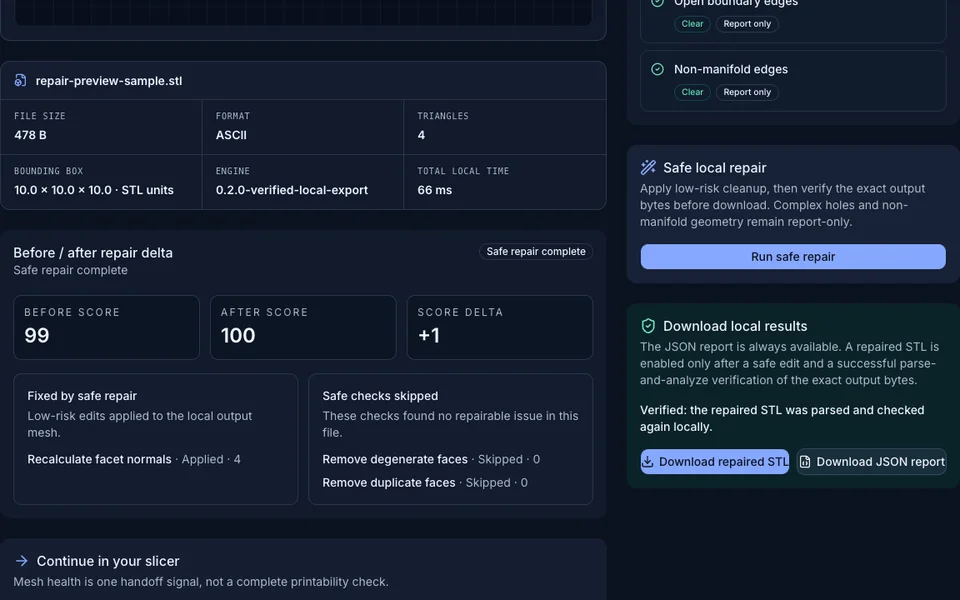
Read the issue list, inspect the sampled projection, and preview only conservative cleanup before slicer validation.
Clear repair boundary
STLRepair separates measurable mesh issues, low-risk cleanup, and the checks that still belong in your slicer.
| Mesh issue | Browser check | Current repair scope |
|---|---|---|
| Duplicate facesRepeated triangles increase file noise and may hide mesh defects. | Browser checkReported | Current repair scopeSafe preview |
| Degenerate facesTriangles with near-zero area can confuse slicers. | Browser checkReported | Current repair scopeSafe preview |
| Normal direction mismatchesFacet normals disagree with triangle winding. | Browser checkReported | Current repair scopeSafe preview |
| Open boundary edgesOpen edges can indicate holes or a non-watertight STL file. | Browser checkReported | Current repair scopeReport only |
| Non-manifold edgesEdges shared by too many faces often require manual review. | Browser checkReported | Current repair scopeReport only |
Simple, honest pricing
No account or card is required for browser checks. Private server repair and export will start with pay-as-you-go credits only after delivery is verified.
For local STL preflight, diagnostics, and safe repair preview before slicing.
$0 / file
Before you check
Straight answers about privacy, repair limits, and the role of your slicer.
The public checker parses and analyzes the file locally in your browser. No production-file upload is required for the current check and preview.
The current preview can remove duplicate or near-zero-area triangles and recalculate facet normals. Open holes and non-manifold topology are reported for careful manual review.
Yes. Use STLRepair as a mesh preflight, then confirm scale, wall thickness, orientation, supports, material, and printer settings in your slicer.
Run the free local preflight, review five mesh signals, and validate the result in your slicer before committing material and machine time.